The Aggregate Report is a CSV file that lists student information, their response and score on each question, and more, for a single test. This report is only available if enabled for users with permission to view it.
1. Go to Reporting > Aggregate.
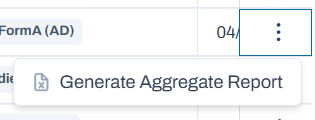
2. Select Generate Aggregate Report for a test to generate.
Classic User Interface:

Updated User Interface:
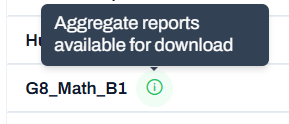
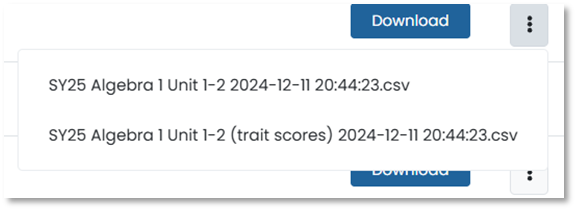
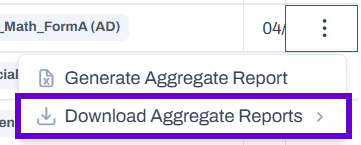
3. Once available, an icon will appear next to the test name and "Download Aggregate Reports" will be available in the Actions menu.
Updated User Interface:
Classic User Interface:
Updated User Interface:
Tiny Link: https://support.assessment.pearson.com/x/PQGiBg