For enabled users, the Session Event Explorer feature allows filtering sessions by session event types (e.g., Accommodation Changed, Proctor Approved, Student Merge etc.). Users can view with expandable rows showing event details, and an export with one row per session-event. The information presented is the same as in Session History.
1. To access this report, select Operations > Session Event Explorer.
2. Add desired filters.
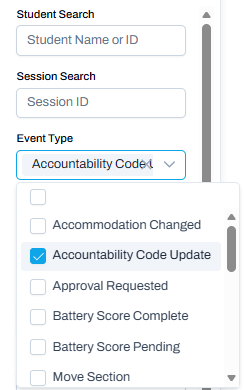
3. For Event Type, select one or more events.
Classic User Interface:
Updated User Interface:
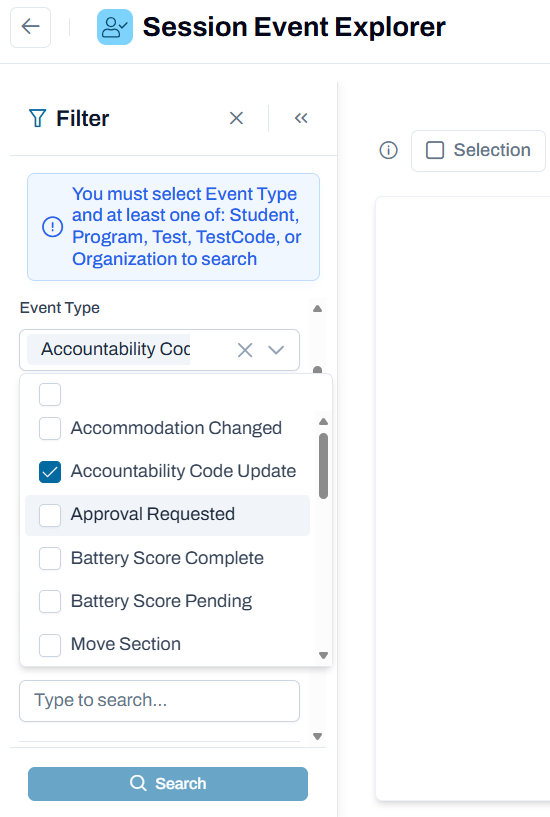
4. Select Search.
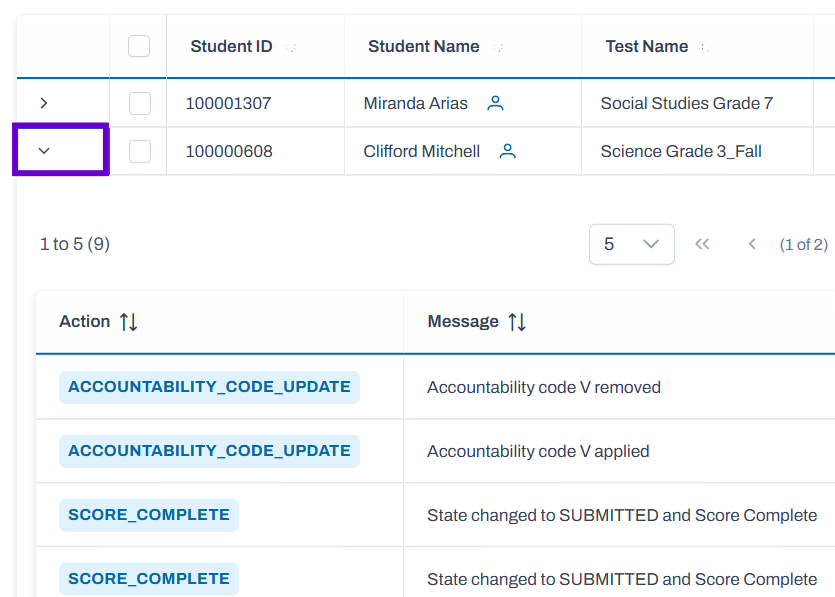
5. Students meeting criteria display. Expand details for a student session.
Classic User Interface:

Updated User Interface:
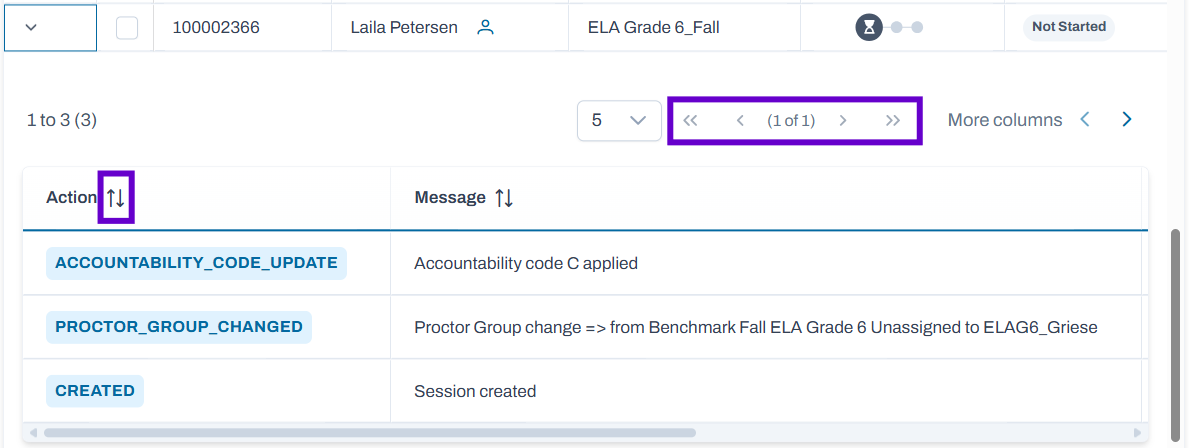
6. You can sort by column, scroll left to right and navigate to additional pages if applicable.
Classic User Interface:
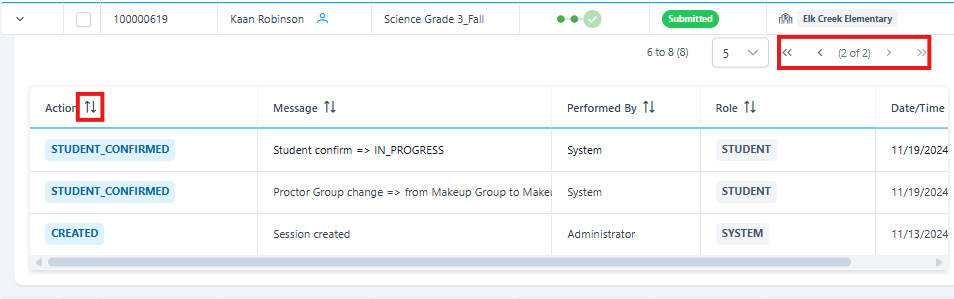
Updated User Interface:
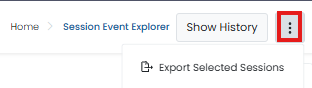
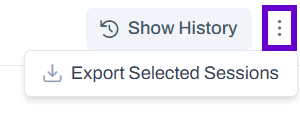
7. Permissioned users can also export selected sessions.
Classic User Interface:
Updated User Interface:
Tiny Link: https://support.assessment.pearson.com/x/bgBMDQ