See also: Performance Dashboard and Reports, Performance Report Summary Tab, Item Analysis, Standards Performance
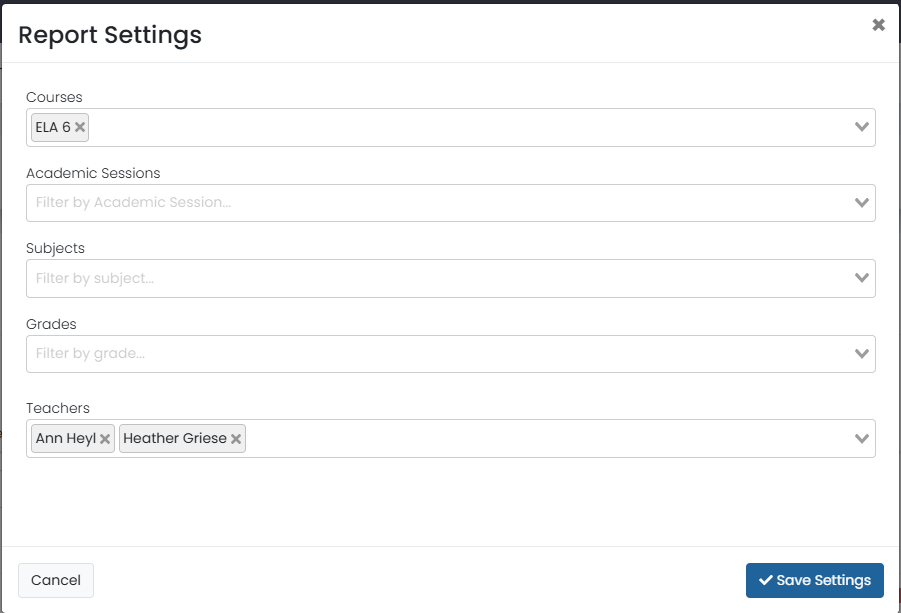
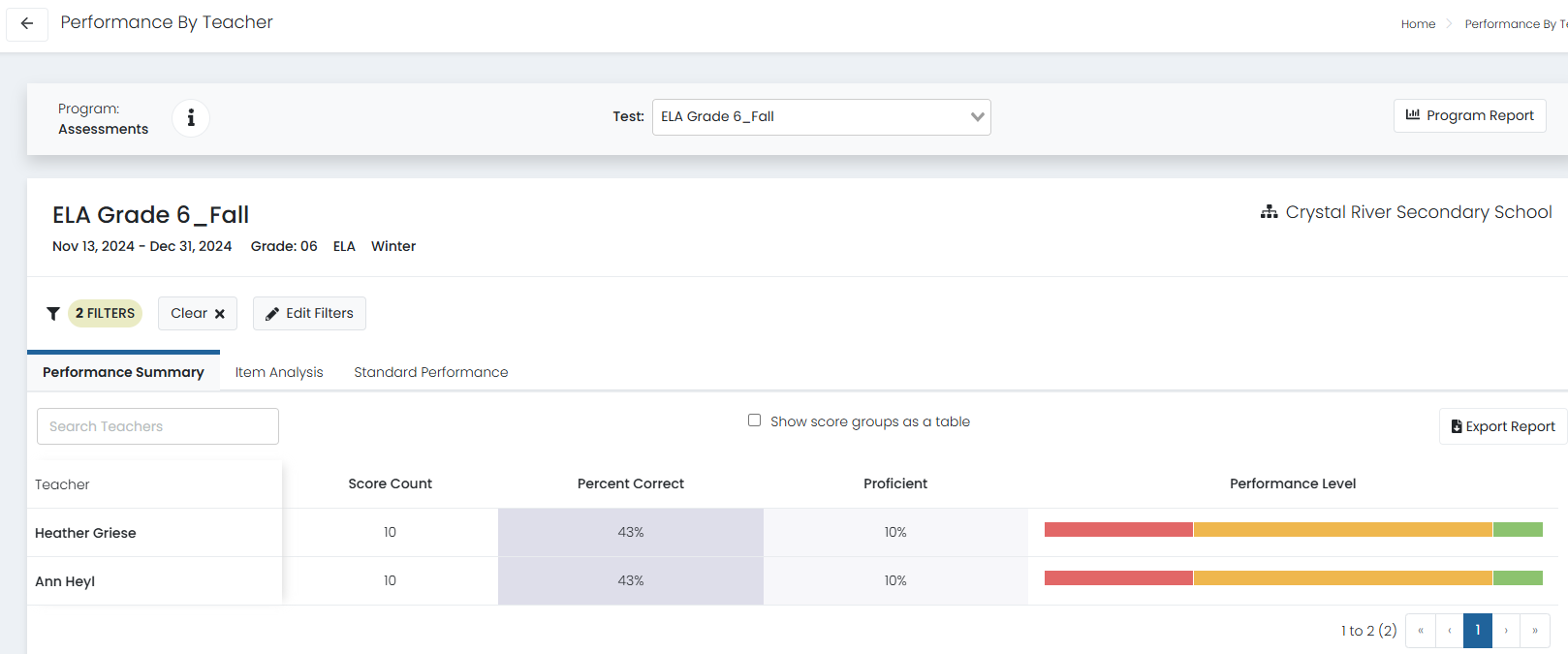
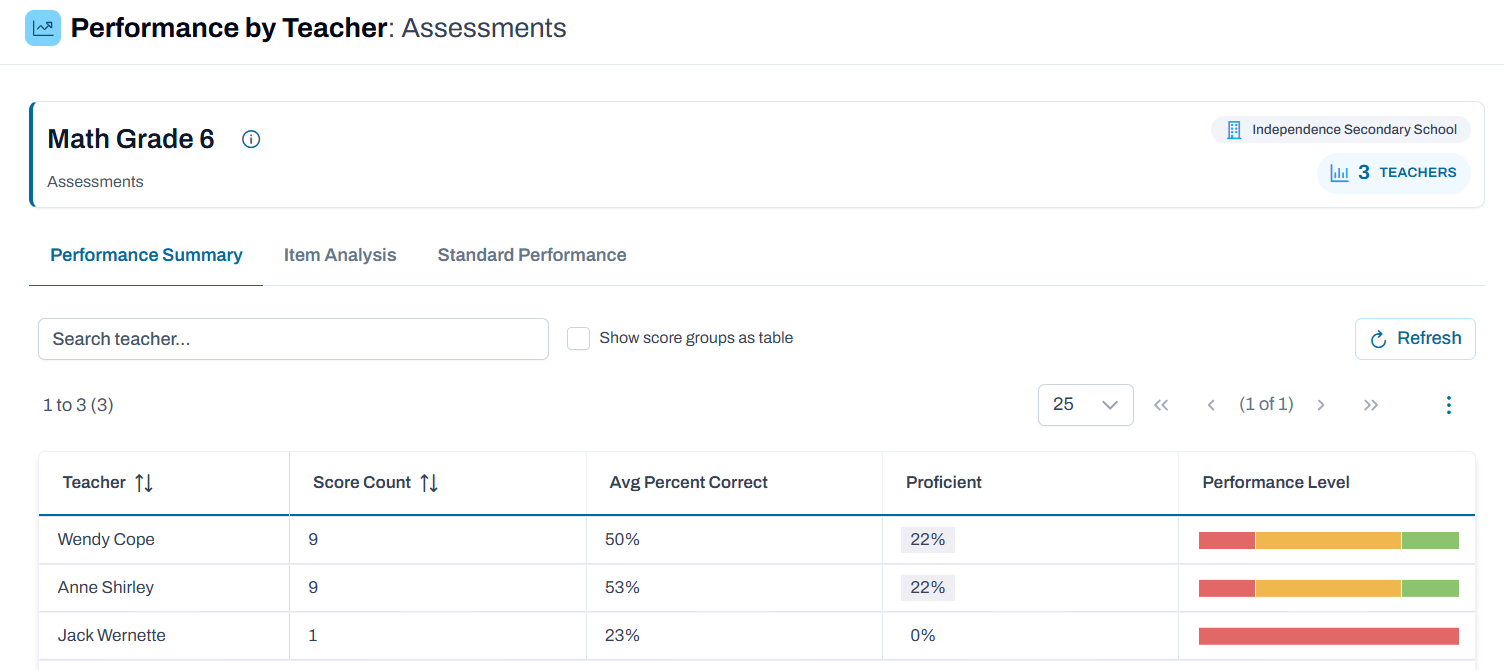
The Performance by Teacher report displays results by teachers in a table. The filter supports selecting specific teachers.
- Go to Reporting > Performance.
- Select anywhere in a test administration row to open the Performance Report.
- For a school with results, use the Actions menu to select Teacher Performance.
- Optionally, open the filter menu to filter the report.
Classic User Interface:
Updated User Interface:
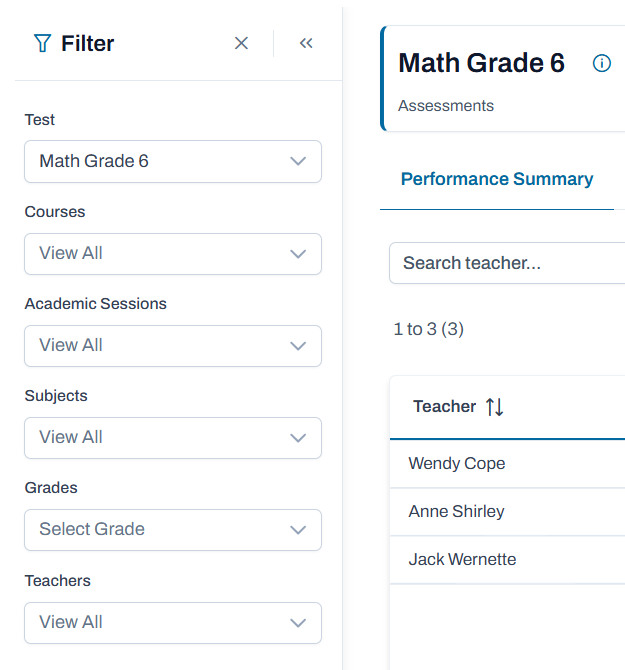
In the Teacher Performance report there are many of the same options as when viewing by school or class: filter, show score groups as a table (if applicable), export report and change the assessment in the Test menu.
Classic User Interface:
Updated User Interface:
Tiny Link: https://support.assessment.pearson.com/x/QQDoCQ